By Abdulrazak Madi | Project Leader
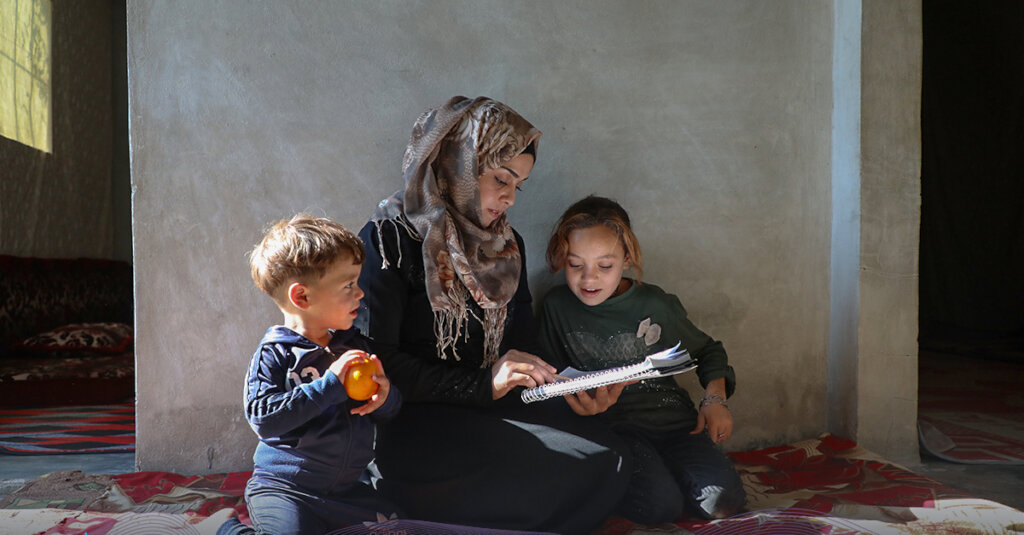
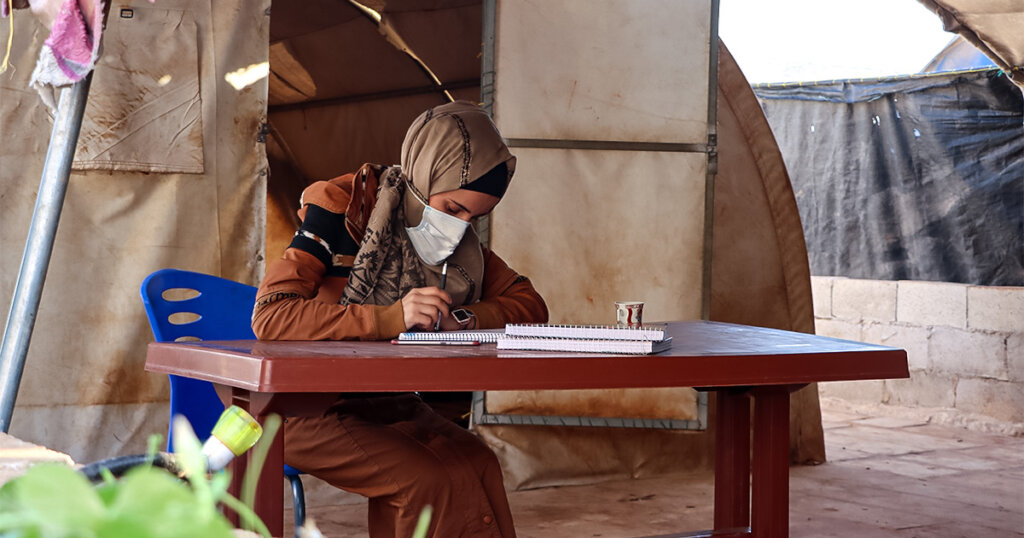
One of the most heartwarming moments at the start of every school year is seeing our students’ curiosity and enthusiasm for learning reflected in their questions.
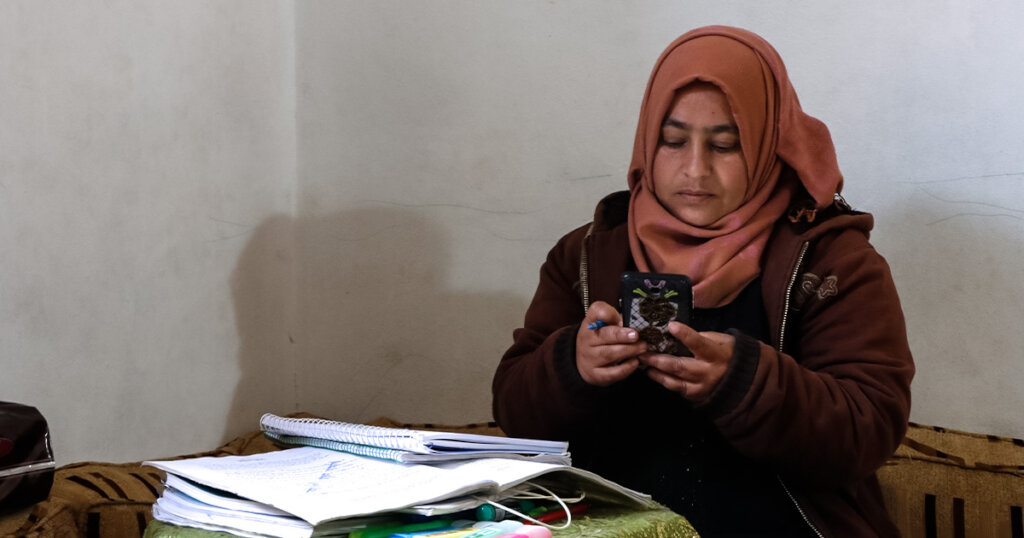
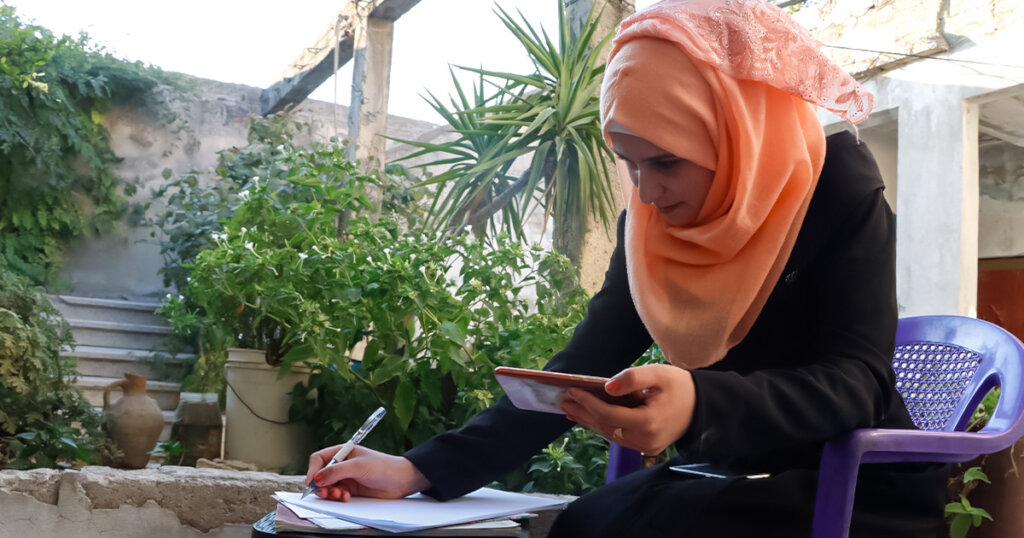
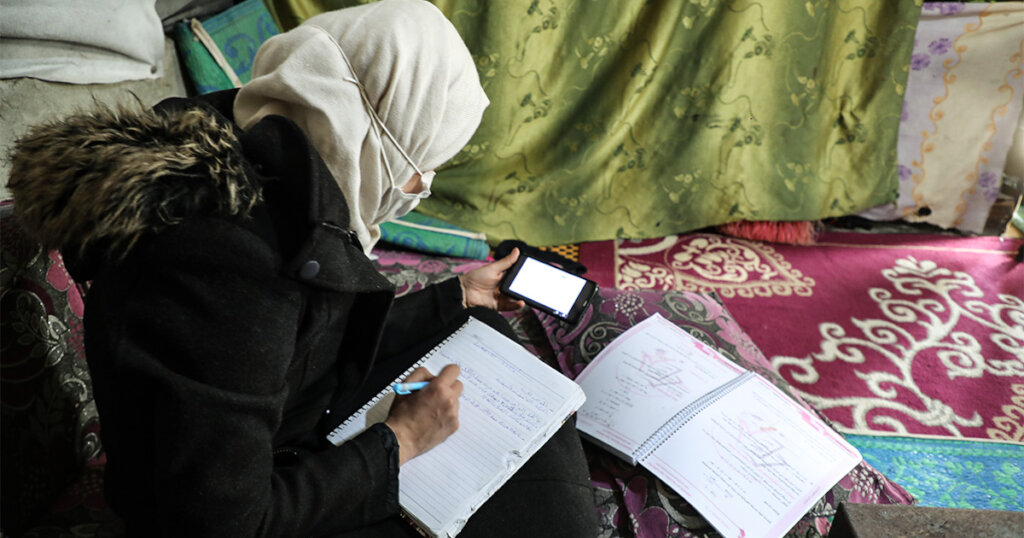
Over the past few days, we’ve received dozens of messages from students asking how to use Microsoft Teams, the platform where they attend their lessons and sessions at Masarat.
These questions filled us with joy, they show how eager our students are to adapt to the digital learning environment and to participate actively in their educational journey.
To support them further, we are preparing simplified, illustrated guides that explain step by step how to use the platform:
How to join virtual classrooms.
How to submit assignments and access recorded lessons.
How to communicate effectively with teachers and classmates.
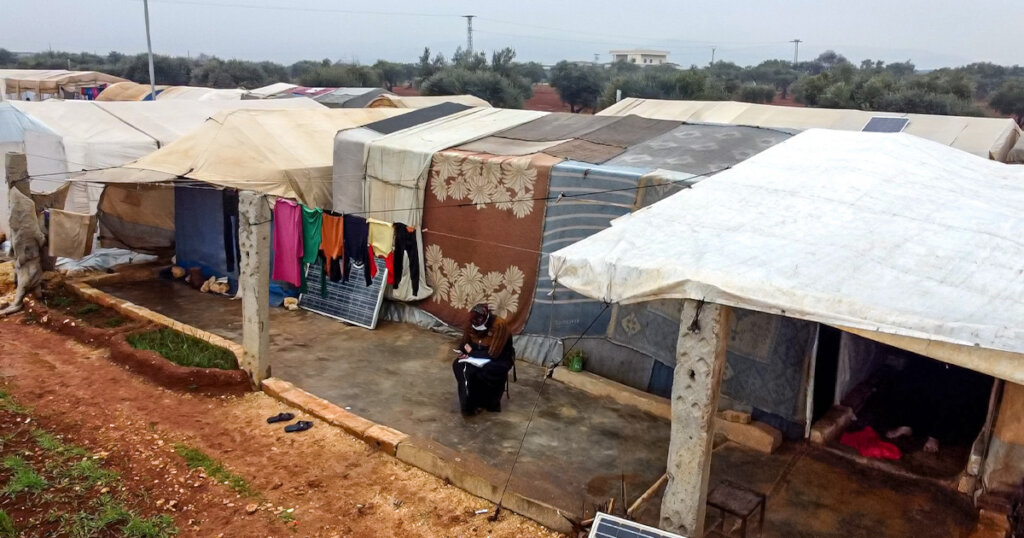
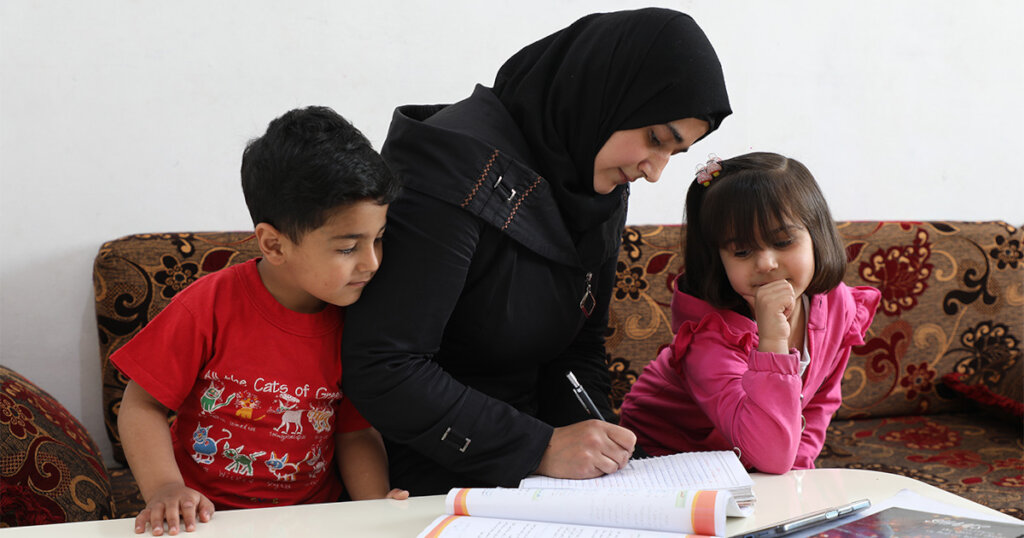
At Masarat, we work hard to ensure every student, especially orphans and those in vulnerable situations, feels confident and comfortable in their digital learning space.
A heartfelt thanks to our supporters on GlobalGiving, your contributions make it possible for us to create a more inclusive digital environment and ensure that no student is left behind the screen.
Links:
Project reports on GlobalGiving are posted directly to globalgiving.org by Project Leaders as they are completed, generally every 3-4 months. To protect the integrity of these documents, GlobalGiving does not alter them; therefore you may find some language or formatting issues.
If you donate to this project or have donated to this project, you can receive an email when this project posts a report. You can also subscribe for reports without donating.



Support this important cause by creating a personalized fundraising page.
Start a Fundraiser